 Live Webcams in Slunj
Explore live streaming views from Slunj, . Check current weather conditions, traffic, and beautiful local spots.
Latest Cameras
24 streams found
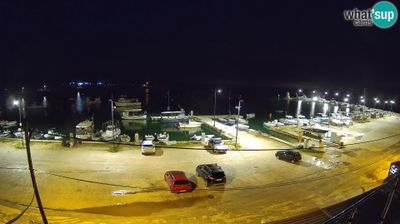
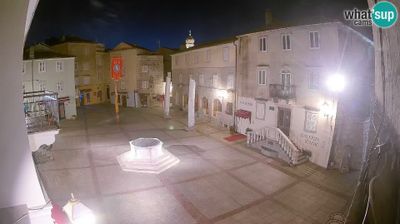
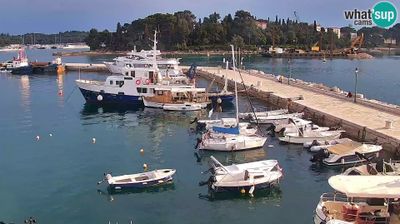
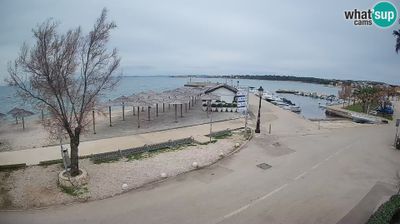

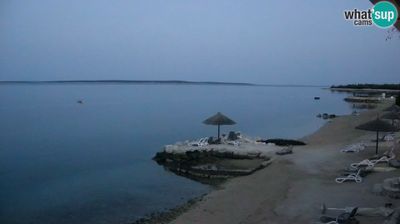
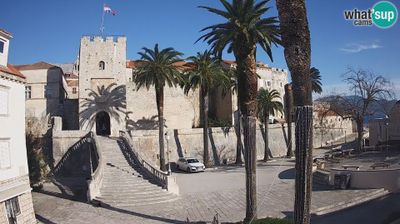

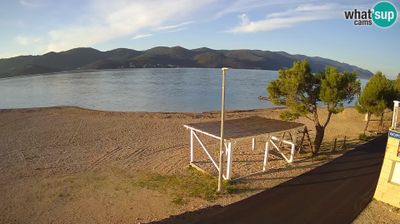
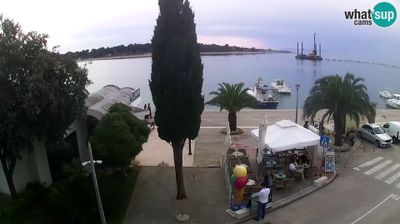
Virtual Travel to Slunj
Whether you are planning a real-world visit or just digital globe-trotting, the live webcams in Slunj offer an unfiltered glimpse into daily life. Watch the sunrise, check the local traffic before your commute, or simply enjoy the urban and natural landscapes that make this location unique. Bookmark this page to easily return and check the live weather conditions anytime.

About Slunj
Slunj is a town in the mountainous part of Central Croatia, located along the important North-South route to the Adriatic Sea between Karlovac and Plitvice Lakes National Park, on the meeting of the rivers Korana and Slunjčica. Slunj has a population of 1,674, with a total of 5,076 people in the municipality (2011) and is the cultural and social center of the region of Kordun in the vicinity to Bosnia and Herzegovina. Administratively, the town is part of Karlovac County. Slunj is an underdeveloped municipality which is statistically classified as part of the First Category Area of Special State Concern by the Government of Croatia.
📖 Read more on Wikipedia