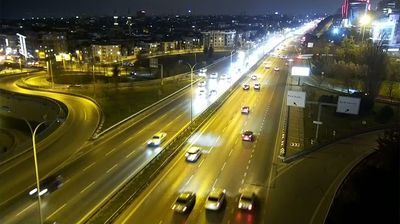
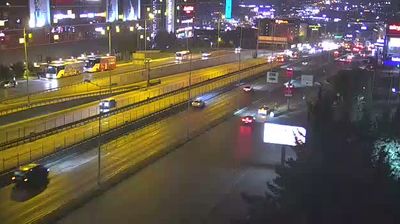
Istanbul: Güzelyalı

Flag of Türkei Istanbul, Türkei

Istanbul, Türkei
New (0)
Real-Time Environment
Loading...
Fetching weather km/h
--:--
Loading date...

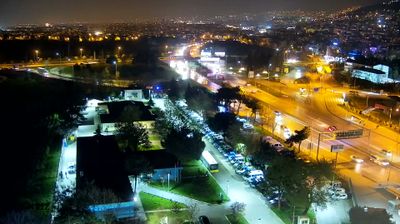
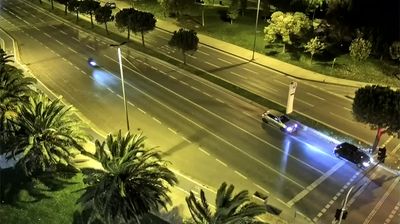
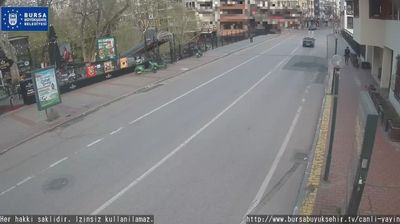
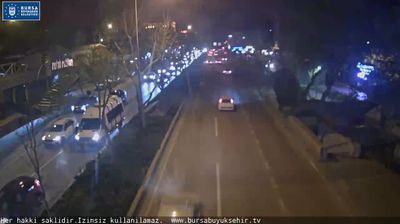
Welcome to the live streaming webcam for Istanbul: Güzelyalı, perfectly situated in the vibrant region of Istanbul, Türkei. Watching this live camera allows you to instantly experience the local atmosphere and monitor current climate conditions.


Istanbul

About Istanbul

Istanbul, früher Byzantion (Byzanz) und Konstantinopel, ist die bevölkerungsreichste Stadt der Türkei und deren Zentrum für Kultur, Handel, Finanzen und Medien. Mit rund 15,3 Millionen Einwohnern nahm die Metropolregion 2021 den 22. Platz unter den größten Metropolregionen der Welt ein. Mit jährlich über 14 Millionen Touristen aus dem Ausland ist Istanbul überdies die Stadt mit der achtgrößten Besucherzahl der Welt.

📖 Read more on Wikipedia
📍 Location Facts
  • Country Flag Türkei
  • Region Istanbul
  • City Istanbul
  • Coordinates 41.0138°N, 28.9497°E

Have you been to Istanbul?

Help the community! Share your experience, tell us about the weather, or upload your own photos from this exact location.
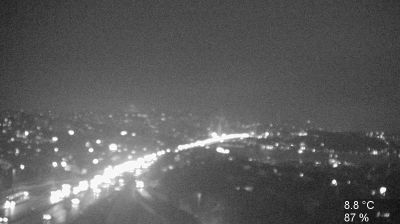
Interests Stadt Verkehr
Added: Jun 04, 2026 Updated: Live

Explore other categories in Türkei


More Webcams in Türkei

Frequently Asked Questions

Webcam.beer is a premium global directory of live streaming webcams. We curate and index thousands of real-time cameras from around the world, allowing you to instantly check weather conditions, explore famous tourist spots, view city traffic, and discover beautiful landscapes all in one place.

Yes! The vast majority of the cameras in our network are real-time, live video streams. Some remote or scientific cameras may provide frequently updated high-resolution imagery due to bandwidth constraints in those specific locations.

Absolutely. Browsing, watching, and exploring the webcams on our platform is 100% free. You do not need to pay or create an account to view the live streams.

We love community contributions! You can easily submit a live stream by clicking the 'Add Cam' button in the main menu. Once submitted, our moderation team will review the camera to ensure it meets our quality and safety guidelines before it goes live on the platform.